

The AH-6 Little Bird returns in Battlefield 6 Season 2 (Update 1.2.1.0) as the game’s most agile — and most unforgiving — scout helicopter. This in-depth guide breaks down everything you need to dominate the skies: optimal loadouts, mastery upgrades, flight mechanics, altitude discipline, IGLA counterplay, spawn economy strategy, and solo vs. duo viability. Whether you're learning the fundamentals or refining high-skill dueling tactics, this guide teaches you how to deal consistent damage, survive heavy anti-air pressure, and turn the Little Bird into a precision air asset instead of a 90-second respawn timer.
Battlefield 6 Update 1.1.3.0 – Winter Offensive is here, closing out the year with a frostbitten map variant, audio overhauls, critical weapon tuning, and new XP farming strategies.
In this guide, we’ll cover:
- The new Winter Offensive event and Ice Lock Empire State map variant
- The Freeze mechanic and how it changes gameplay flow
- Weapon meta changes, including the biggest winners and losers
- Adjustments to vehicle balance, UI clarity, and controls
- A breakdown of the broad audio overhaul and hit registration fixes
- Known performance issues and PC workarounds
- The best post-patch XP farming methods, including Portal code setups and ranked matchmaking grinds
Dive deeper into the article to find a special promocode for a discount to cut on all your boosts.
Quick Summary: What Changed in Battlefield 6 Update 1.1.3.0
- New Event: The Winter Offensive includes a themed event mode playable on the new Ice Lock Empire State map variant.
- Audio Overhaul: A massive rework ensures background environmental soldier audio is balanced so enemy movement audio triggered by footsteps is clearly audible.
- Weapon Meta: Full-auto range nerfs hit the SG 553R and M250. Weapon reliability is improved for semi-autos.
- Vehicle Balance: Urban Breakthrough maps now feature an additional attacker tank to reduce defender steamrolls.
- Performance: The update targets performance and memory issues with optimised memory handling, though some PC users may need workarounds for micro-stutters.

Winter Offensive Event & Freeze Mode Overview
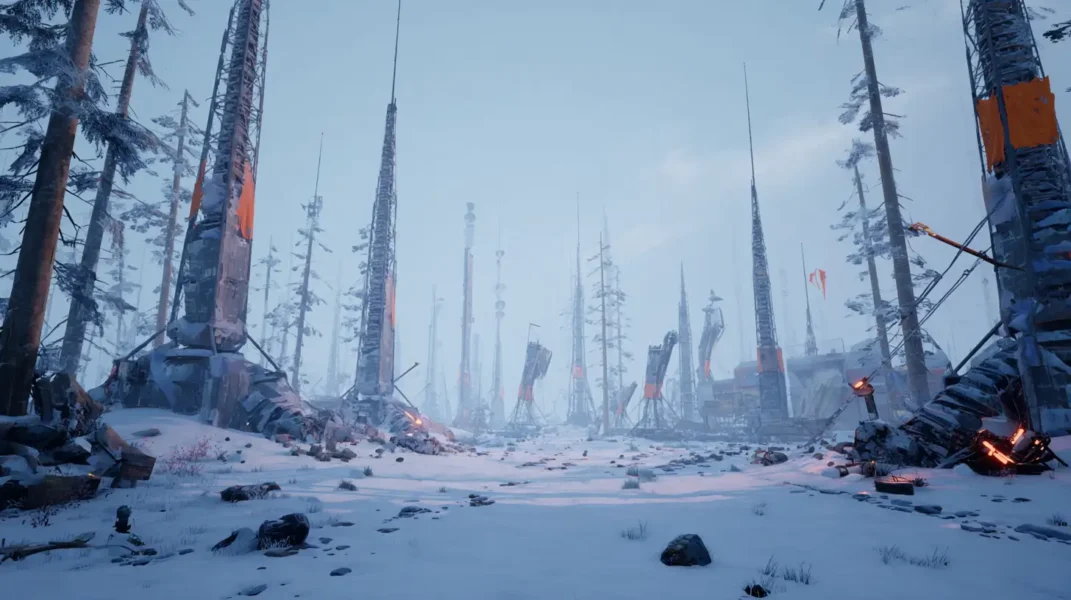
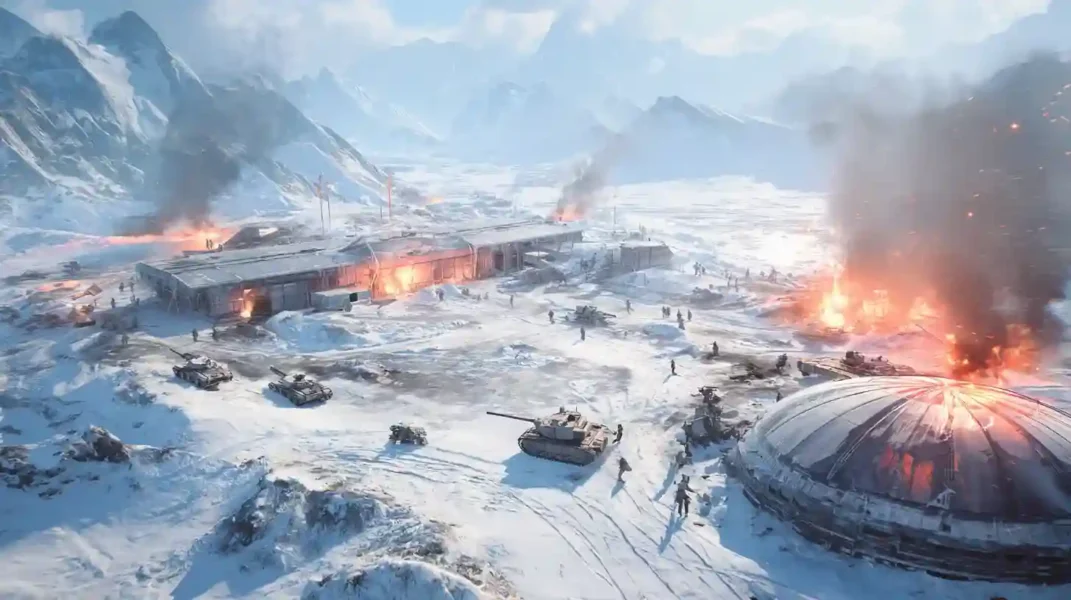
The centerpiece of the update is the introduction of a winter aesthetic and new gameplay modifiers designed to alter the pacing of traditional maps. While not a full seasonal drop, this event introduces key systems and visuals that shift standard pacing.
Ice Lock Empire State (Map Variant)
The Empire State map has received an “Ice Lock” variation. This is not purely cosmetic; the white backdrop provides high contrast against player uniforms. This serves to enhance soldier visibility compared to the standard map’s darker foliage.
The “Freeze” Mechanic & Modes
The themed event mode introduces a new modifier known as “The Freeze.”
- The Mechanics: Player health depletes if the soldier remains exposed to the cold.
- Survival: Players must utilize “Heat Zones” (interiors/fires) to regenerate health.
- Gauntlet Mission Variations: Specific gauntlet mission variations have been added to the rotation, offering unique objective locations tailored to the winter map.
- Note: The Freeze mechanic is exclusive to the specific Winter Offensive playlists and does not apply to standard rotations or Portal matches unless specified.
Progression
Playing the active game mode playlist contributes to both the Event Pass and the standard Battle Pass simultaneously. Don’t waste time grinding random weapons or chasing event goals. Use our Battlefield 6 Weapon Level Boosting or Battlefield 6 Battle Pass Boost to get the results instantly with our fast-queue services.
Audio Overhaul, Bug Fixes & Hitreg Improvements
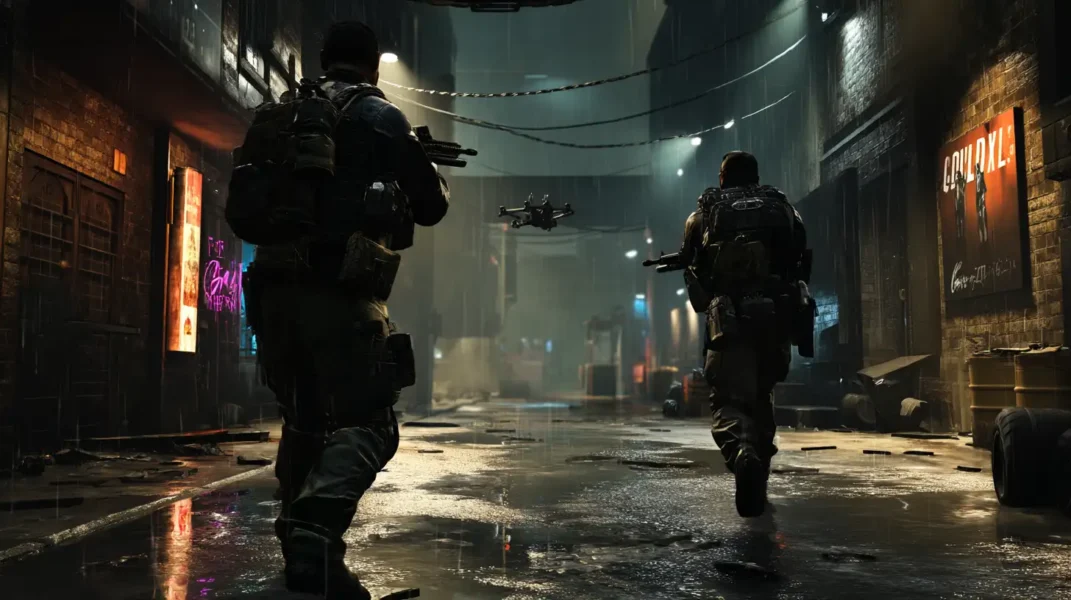
The update addresses several high-priority technical issues, aiming to stabilize the core gunplay and sensory feedback loop. Community feedback was heavily utilized to prioritize these fixes.
Comprehensive Audio Overhaul
Audio consistency has been a major point of contention. This update initiates a broad audio pass to resolve instances where an audio cue played inconsistently.
- Enemy Movement: The team has increased enemy movement audio for sprinting foes while ensuring lower enemy movement audio for crouching teammates to prevent confusion.
- Prioritization: A new system prevents “sound clutter.” Fixed missing audio issues where heavy combat drowned out footsteps.
- Loading: To prevent delays, the engine now handles larger audio assets’ load times more efficiently during map transitions.
- Environment: We have fixed missing UI audio in the main menu and refined supply crate sound effects to be distinct from other interactions.
Visuals and Animation
- Hit Registration: Improved hit registration reliability has been implemented for failures during extremely rapid aim adjustments.
- Animations: Improved soldier animation smoothness is noticeable during vaulting.
- Bug Fixes: Developers fixed a bug where soldier models glowed incorrectly in dark areas and an issue where a teammate’s armour briefly appeared as enemy red during chaotic fights.
- Inspections: The weapon inspection animation has been polished. Performing weapon inspections while sprinting no longer cancels the movement input.
Performance
While the update includes optimised memory handling to stabilize framerates, some users on varying hardware and match conditions may experience micro-stutters. Disabling social overlays is the current workaround for these performance and memory issues.
Vehicle Rebalance – More Tanks, Better Controls, UI Fixes

The update adjusts vehicle distribution based on map flow and sector balance, particularly in Breakthrough.
Attacker Buffs & Clarity
- Distribution: To ensure more consistent attacker progress, an additional attacker tank has been added to Sector 2 of the Manhattan Bridge.
- Clarity: We have strengthened vehicle clarity regarding UI icons. Updates to clarity, weapon reliability, and vehicle HUD elements now accurately show cooldowns.
- Audio: Vehicle audio inside the cabin has been mixed down so passengers can hear external threats, while external vehicle sounds like treads are louder at a distance.
Controls & Mechanics
- Sensitivity: New vehicle mouse sensitivity options allow for precise turret control.
- Seats: A hitbox issue regarding exposed vehicle seats (like on the LATV4) has been fixed; passengers are no longer invulnerable from specific angles.
- Weapons: A bug where a vehicle spawned with only one mounted weapon active has been patched. The lock on the capable launcher for the scout helicopter now retains its weapon lock on state even if the target breaks line of sight for a fraction of a second. Additionally, the lock-on warning behaviour for pilots is now more distinct from the radar lock tone.
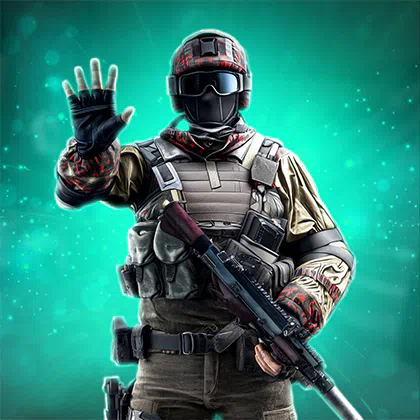
Weapon Meta Breakdown – Nerfs, Buffs, and Best Picks
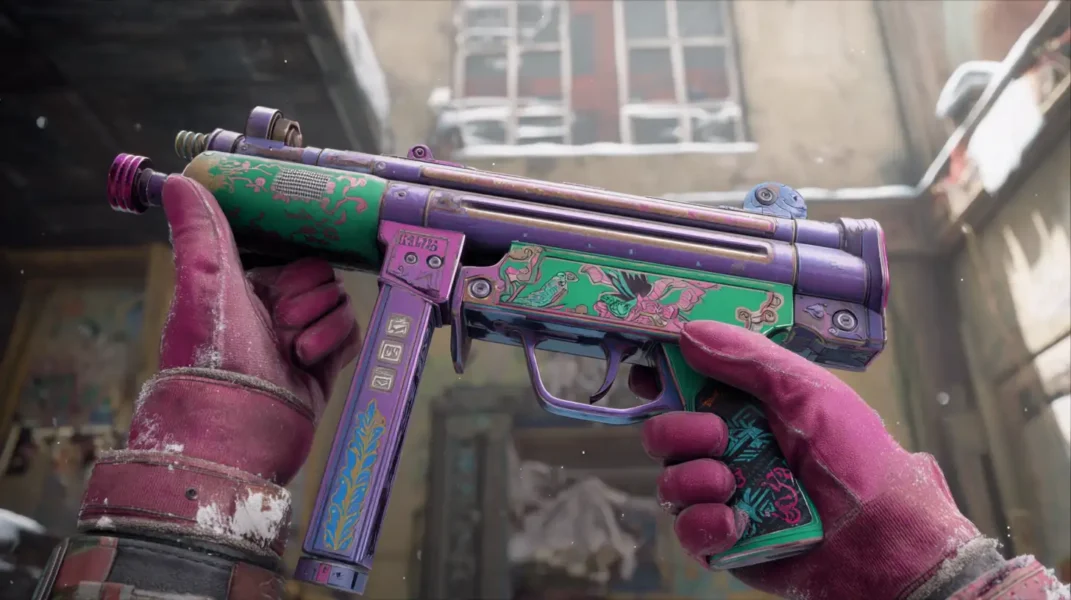
The goal of the weapon tuning in Update 1.1.3.0 is improved soldier clarity, weapon reliability, and handling, specifically reducing the long-range effectiveness of automatic weapons.
Meta Overview
| Weapon | Type | Change | Role & Status |
| RPKM | LMG | Buffed | Best Stability: The new king of long-range suppression. |
| SOR-300SC | Carbine | Neutral | Meta Pick: Dominant mid-range burst; unaffected by bloom nerfs. |
| M250 | LMG | Nerfed | Downgraded: Harder to control spray; lost its laser-beam status. |
| SG 553R | Carbine | Nerfed | Downgraded: Significant recoil bloom added at range. |
| Mini Scout | DMR | Nerfed | Slowed: Fire rate delay increased by 100ms; spamming is no longer viable. |
The RPKM just took the crown for suppression. Want it maxed fast? Grab our Battlefield 6 LMG Leveling Boost and start dominating long-range.
Gadget & Weapon Fixes
- Mortars: The portable mortar’s fire rate has been slightly reduced to prevent spam. Furthermore, the LWCMS portable mortar fixed a bug where the shell would sometimes not explode on snow textures.
- Flashlights: The flashlight weapon attachment now correctly blinds enemies at close range without washing out the user’s screen.
- Ammunition: Fixed an instance of incorrect ammunition setup on the M250 extended mag, which previously provided standard rounds instead of high-power.
- Customization: When a custom weapon dropped by a slain enemy is picked up, it now retains the correct skin and charm.
Controller Input
- Adjustments to controller stick aiming response curves have been made to help console players track targets moving horizontally.
UI Fixes, Combat Feedback & QoL Upgrades

Significant quality of life improvements have been made to the user interface.
Combat Feedback
- Armor: Reliable armour break feedback has been enhanced. The audio cue and visual icon now align perfectly.
- Kill Feed: The killer ID correctly logged in the kill feed now displays the specific weapon variant used (e.g., “M5A3 Short Barrel”).
- UI Audio: We have fixed missing UI audio when navigating the Battle Pass purchase screens.
Mission & Zone UI
- Missions: The tank hunter mission UI now properly tracks damage against transport vehicles.
- Zones: Fixed an issue where players would see “Returning to Combat” in safe areas; the map now displays the correct combat zone text.
- Portal: For creators, the existing syntax remains unchanged, but new variables for “Ice Lock” are available.
Fastest XP Farms After 1.1.3.0 – Portal, Bots, and Event Grinds
Following the deployment of the update, many exploits have been patched. However, specific methods remain efficient. Thanks to new server logic and playlist behavior, old bot lobby exploits are gone — but smarter methods emerged.
Method A: The “LSFY” Portal Method
Best for: Rapidly maxing out specific weapons.
- Search for Portal servers using the code LSFY.
- Host a server with a password to ensure you control the lobby.
- Travel to the high-ground vantage point overlooking Objective E.
- Wait for the enemy vehicle AI waves to capture the point.
- Fire continuously.
Yield: Players report approximately 1–1.5 million XP per match before diminishing returns kick in.
Want massive XP without setting up Portal lobbies or AI waves? Buy our Battlefield 6 Bot Lobbies Boost and get thousands of XP per match — no grind, no fuss.
Method B: The “Crossplay-Off” Breakthrough Method
Best for: General Rank and Battle Pass.
- Toggle Crossplay to OFF in system settings.
- Queue for Casual Breakthrough.
- Because the player pool is smaller, the matchmaker backfills with AI bots.
Benefit: Unlike Portal, this is an official playlist yielding full XP.
Promo code: Dina_Blog
Use this discount as my thank you for your attention!
Method C: The “Triple Dip” Event Grind
Best for: Maximizing Winter Offensive & Battle Pass simultaneously.
Prioritize the themed event mode playable playlists. These are the only modes that progress:
- The Winter Offensive Bonus Path.
- The Main Season Battle Pass.
- Standard Weapon Unlocks.
Falling behind on daily and event missions? Our Battlefield 6 Daily & Weekly Challenges Boost handles every time-sensitive grind for you. Check back soon—we will update this guide if further weapon tuning occurs or if a hotfix for PC micro-stutters is deployed.
Author

Epiccarry: best wow boost and coaching services
Frequently Asked Questions
What is the Battlefield 6 Winter Offensive update?
The Winter Offensive (Update 1.1.3.0) is Battlefield 6’s final major patch of the year. It introduces a new snow-themed map variant, gameplay mechanics like “The Freeze,” critical weapon balance changes, audio overhauls, and improved XP farming methods.
What is the Freeze mechanic in Battlefield 6?
The Freeze is a new survival modifier in the Winter Offensive event. Your soldier takes damage while exposed to cold environments. You must stay near “Heat Zones” like fires or indoors to regenerate health and stay alive.
What’s new in the Ice Lock Empire State map?
The Empire State map now has a winter variant called “Ice Lock,” featuring a snowy visual overhaul that improves player visibility. The map is part of the Winter Offensive event playlist and introduces cold-survival mechanics.
What are the best XP farming methods after Update 1.1.3.0?
The top XP methods include:
- Hosting LSFY Portal servers for AI farming.
- Turning off crossplay to farm Breakthrough with bots.
- Grinding the Winter Offensive playlist to level up Battle Pass and weapons.
Has Battlefield 6 patched the bot lobby XP glitch?
Yes, many old bot lobby exploits have been patched in Update 1.1.3.0. However, smarter XP methods — like AI backfilling and curated Portal lobbies — still work effectively.
Which weapons got nerfed in Battlefield 6 Update 1.1.3.0?
Biggest nerfs:
- M250 LMG: Higher recoil, less accurate at range.
- SG 553R: Recoil bloom increased significantly.
- Mini Scout: Slower fire rate; harder to spam.
What are the best guns after the Winter Offensive update?
Top-performing weapons post-patch:
- RPKM (LMG): Now dominant for long-range suppression.
- SOR-300SC (Carbine): Still top-tier for burst fire and consistency.
Did Battlefield 6 improve footstep audio?
Yes. A complete audio overhaul improved footstep clarity, especially for enemies. Background sounds and UI audio were also balanced for better spatial awareness during fights.
How can I fix Battlefield 6 micro-stuttering on PC?
If you’re experiencing stutters post-update, try disabling social overlays (like Discord or Xbox Game Bar). The patch improved memory usage, but some setups may still lag.
What vehicle changes are in Update 1.1.3.0?
Changes include:
- Extra attacker tank added to Urban Breakthrough maps.
- Vehicle seat hitboxes fixed.
- Cabin and external vehicle sounds rebalanced for better awareness.
Does playing the Winter Offensive event level up the Battle Pass?
Yes. Progress in the Winter Offensive event contributes to both your Event Pass and the standard Battle Pass — a “triple dip” progression method if done right.
What’s the fastest way to level up weapons in Battlefield 6?
The fastest method is to host an LSFY-coded Portal lobby for AI kills. Or, skip the setup entirely and use weapon leveling boost services to get your loadouts maxed instantly.
Can I pay to boost my XP or weapon levels in Battlefield 6?
Absolutely. Services like Bot Lobby Boosts, Weapon Leveling, and Battle Pass progression let you skip the grind and unlock everything faster — without risk.
Is the Winter Offensive a full season update?
No — it’s a mid-season content bridge. While not a full expansion, it brings meaningful gameplay changes, visual upgrades, and temporary event progression paths.
How long will the Winter Offensive event last in Battlefield 6?
The exact end date hasn’t been announced, but it’s a limited-time event. Players are encouraged to complete the event pass and unlock rewards before it disappears — or use a boosting service to speed up completion.
Comments