Marvel Rivals mods that compromise fairness remain prohibited, even though NetEase lifted a specific group of suspensions in October 2026. Earlier 2026 tests showed cosmetic, audio and interface mods loading, but those results preceded the October enforcement notice.
Are Marvel Rivals mods bannable?
Yes: NetEase prohibits modifications that undermine game balance and says continued use of violating mods will receive penalties. Its October 15 notice explained that certain mods inject into or modify memory using techniques similar to cheat engines, immediately activating anti-cheat detection.
The Marvel Rivals mod ban reversal covered accounts suspended for the specified mod types during the two days before that notice. NetEase explicitly said restoring those accounts did not authorize those modifications.
NetEase's stated goal for Marvel Rivals is to preserve customization where it does not compromise fair play. Treat a successful load as a compatibility result, rather than permission to keep using a modification.
Account bans and kicks worry some players using mods, with one reporting that audio modifications had already led to a ban.
Which mod changes are prohibited?
NetEase's examples cover the following changes, and its list is not exhaustive.
Model and texture changes that improve visibility
Structural model or texture edits are prohibited when they give you sightlines or a visibility advantage that other players do not have.
Recoil and visual-effect removal
Removing weapon recoil, screen shake, projectile trails or hit effects falls within the prohibited examples because it reduces interference with aiming and tracking.
Audio changes that reveal enemies
Edits to footsteps or other sounds are prohibited when they make enemy positions easier to locate or recognize.
Enlarged enemy models
Increasing the size of opposing characters to make them easier to notice, distinguish or target is prohibited.
Why Marvel Rivals mods are not working
Loading failures and enforcement involve different mechanisms: the September Season 10 test described compatibility problems following a Season 9 patch, while the October notice identified memory manipulation that triggers anti-cheat. Do not assume that fixing a loading problem resolves the account risk.
Installed mods failing to appear, sometimes with only one working or a warning to remove them, are problems reported by players who tried them.
Crashes can follow an apparently successful load, as one player described.
the mods and everything work but i get crash logs after playing for a while is there a work around for that
— one player
Which skin and sound mods loaded in earlier 2026 tests?
September Season 10 test
A September 12 test used a signature-bypass tool and Project Galacta before checking older modifications under Season 10.
| Modification tested | Result in the September test |
| Gore cosmetics | Cape removal and an all-black appearance loaded. |
| Captain America cosmetic | An older March 2026 outfit modification worked again. |
| Deadpool cosmetic | A replacement for the new mummy skin loaded. |
| Rocket Raccoon cosmetic | A skeleton outfit originating in March worked. |
| Human Torch VFX | The selected effect modification worked. |
| Cyclops VFX | The selected effects failed, including after a repack attempt. |
| Kill sounds and Venom audio | The Plants vs. Zombies KO sound replacement and Wii Venom sound modification worked. |
| Gore interface | The base avatar used the alternate skin's appearance, and the animated Lord icon changed. |
| Invisible Woman modifications | An older interface replacement, skin and voice modification worked. |
June skin test
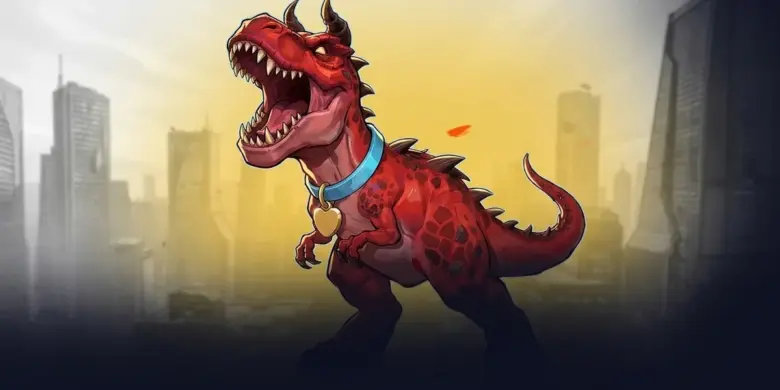
A June 5 test demonstrated a Grimlock replacement for Devil Dinosaur in the practice range, including its ultimate, while an attempted Arc's Carnage Venom replacement failed. Those results belong to the June installation test, rather than a check after October's notice.
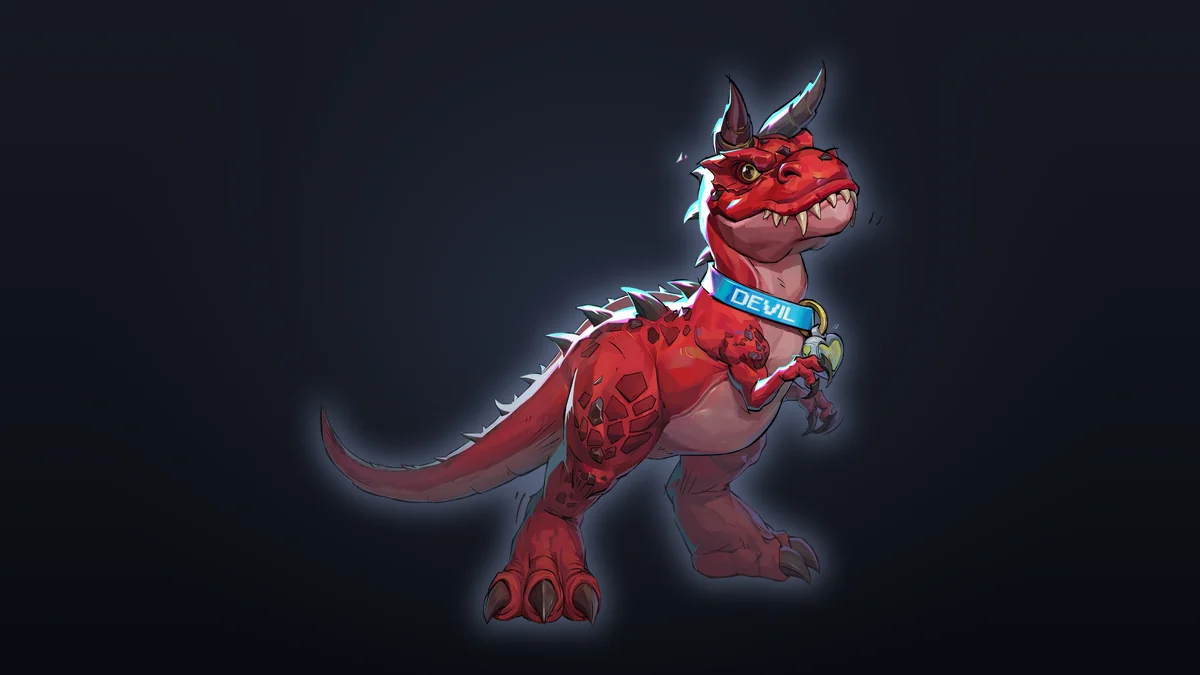
Devil Dinosaur. Image: marvelrivals.fandom.com.
How to remove mods and verify your files
Delete the mods first
- Stop using any modification with the prohibited features.
- Close programs associated with those mods.
- Remove the mod files and undo their changes to game content.
- Delete
pystubber.asiandMarvelRivalsUnmountBlocker.asi; NetEase names both as files whose operations directly trigger detection of unauthorized client modifications. - Remove the relevant mod through its manager or installer too, if you used one, so it does not get restored.
Verify the Steam installation
After deleting the modifications, restart your computer and open Steam.
- Find Marvel Rivals in your Steam library and right-click it, or use the gear button on its library page.
- Open Properties, then Installed Files.
- Select Verify integrity of game files.
Verification checks the game's files; it does not replace manually removing mod files first. Run the check without simultaneous virus scans, defragmentation or verification of other games.
The October cleanup walkthrough described the check as taking several minutes and noted that local configuration files can produce an ignorable verification failure.
How to appeal a mod suspension
If you believe a mod-related penalty was mistaken or involved special circumstances, submit an appeal through the game's official Customer Support channels. NetEase says its team will review the circumstances before processing the case.
Avoid tools advertised as undetectable loaders, anti-cheat bypasses or unofficial unban solutions; the October cleanup walkthrough warns against all three.
See also: Marvel Rivals Tier List: Best Heroes After Season 10.5