





World of Warcraft: Midnight adds 60+ new mounts, including rare drops, renown rewards, Delve exclusives, PvP seasonals, and Mythic raid mounts like Ashes of Belo'ren. This complete collector’s guide covers every confirmed and likely mount, pre-patch removals, farming strategies, and the fastest unlocks to help you prioritize efficiently and minimize RNG before launch.
This Player Housing overview in World of Warcraft covers the long-anticipated feature arriving in two main phases. This guide details everything you need to know about the Player Housing system, from unlocking your first plot to mastering the advanced decorating tools and preparing for the future of community life in Azeroth.
Here’s what this guide will cover:
- A timeline of when key housing features become available.
- Step-by-step instructions on how to unlock and access your house.
- An explanation of the Progression Systems, Budgets, and Limits.
- A deep dive into the Neighborhood system, its types, and community gameplay.
- A complete breakdown of the powerful decorating systems and tools.
- Information on how to collect decorations through gameplay, professions, and vendors.
- The overall design philosophy and future plans for the housing system.
Dive deeper into the article to find a special promo code for a discount to save on all your boosts.
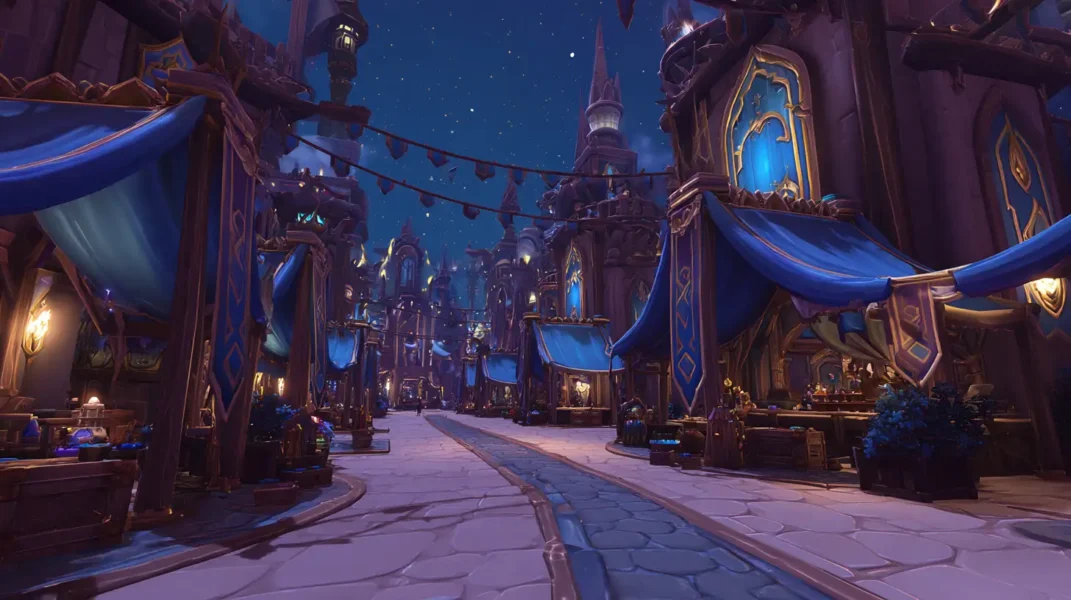
How to Unlock WoW Housing (Step-by-Step | First 30 Minutes)
The housing system will roll out in two distinct phases, separating the core building experience from the deep community systems.
Phase 1: Early Access (Patch 11.2.7 – Dec 2, 2025)
- What’s Included: The complete building and decorating sandbox. Players with Midnight can purchase a plot, build interiors, and fully customize their exterior plot.
- Who It’s For: Everyone can begin collecting decorations, but only Midnight owners can enter the housing zones and build in their homes.
Phase 2: Full Launch (With the Midnight Expansion)
- What’s Added: The community and social systems are fully activated. Neighborhood Endeavors and the Neighborhood Favor progression track go live for accounts with the Midnight expansion.
- Who It’s For: All players can continue to collect decor, but owning a plot and fully participating in neighborhood progression is tied to the Midnight expansion.
How to Unlock Housing: Your First 30 Minutes
Getting your own slice of Azeroth is a quick and seamless process designed to get you building almost immediately.
- Meet the Prerequisite: For the Early Access phase, you must own any edition of the World of Warcraft: Midnight expansion to enter the housing zones and purchase a plot.
- Access the Housing Zone: Take a portal from Stormwind or Orgrimmar to your faction’s housing district.
- Take the Guided Tour: An introductory quest begins immediately, with an NPC acting as a friendly guide. Expect this tour to take about 10–15 minutes.
- Choose, Reserve, and Purchase Your Plot: After the tour, explore freely to find a vacant plot. You can reserve a plot for a few minutes, preventing others from buying it while you make your final decision. Once ready, interact with its signpost to purchase it for a small gold fee.
- Start Decorating: The moment you own the plot, you can enter your house and begin with a generous starting allowance (see Progression & Budgets below for your starting limits).
Warband & Account-Wide Housing Rules (Cross-Faction, Shared Collection, No Upkeep)ide: A Shared Home for All Your Characters
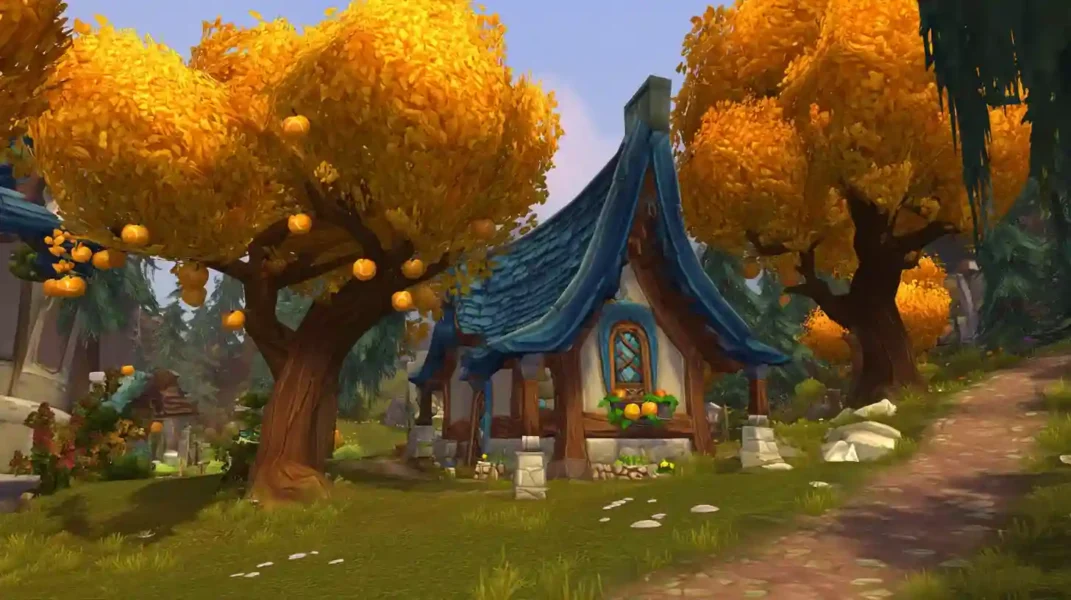
The Player Housing system is entirely Warband-wide and designed to be a permanent, pressure-free part of your WoW experience.
- Two Houses Per Account: Each account can own two houses simultaneously: one in the Alliance zone and one in the Horde zone.
- Shared Collection: All decor is shared and can be used by any character in either house.
- No Upkeep: There are no ongoing costs or taxes. Your house is never repossessed.
- Releasing a Plot: You can choose to “release” your plot at any time. Your entire house layout is automatically saved, and you can later apply that layout to a new plot without rebuilding from scratch (you still pay the new plot’s gold cost).
Housing Progression, Renown & Budgets: Room Limits, Decor Points & Currencies
There are two distinct progression tracks and several “currencies” that govern what you can build. Understanding these early will help you plan your dream home.
Housing Renown (Personal Progression)
Your personal House Level increases as you collect decorations, rewarding your collection efforts with more creative potential. It unlocks more rooms, a higher decor budget, and larger exterior house models.
- Starting Limits: You begin with 9 rooms and a 300 Decor Point interior budget.
- Max Limits: At maximum renown, players can have up to 24 rooms and an 825 Decor Point budget (based on initial PTR data; these numbers are subject to change during development).
Neighborhood Favor (Community Progression)
This is a renown track for the entire neighborhood. Progressing the track unlocks powerful bonuses, like an increased decoration limit, that apply automatically to every resident’s house in that neighborhood.
Understanding Housing Budgets & Currencies
- Decor Points (Interior Budget): Each interior item has a point value. The total value of all placed items cannot exceed your current budget.
- Exterior Budget: A separate budget for your outdoor plot. Its starting value is TBD but also increases with Renown.
- Endeavor Currency: A special currency from monthly events, used to buy unique, themed decor.
Housing Dashboard Guide: House Finder, Layout Manager & Permissions
Pressing ‘H’ opens the Housing Dashboard, your main interface for managing your home. Its key features include:
- Collection Browser: View every decoration you’ve unlocked, with powerful filters.
- House Finder: A map tool to view available plots in different neighborhood instances.
- Layout Manager: Where you save, load, and manage your custom house designs.
- Permissions: Set who can visit your plot and house, and for private neighborhoods, grant permissions for others to help decorate or manage the community.
- Teleport to House: A hearthstone-like ability (15-minute cooldown).
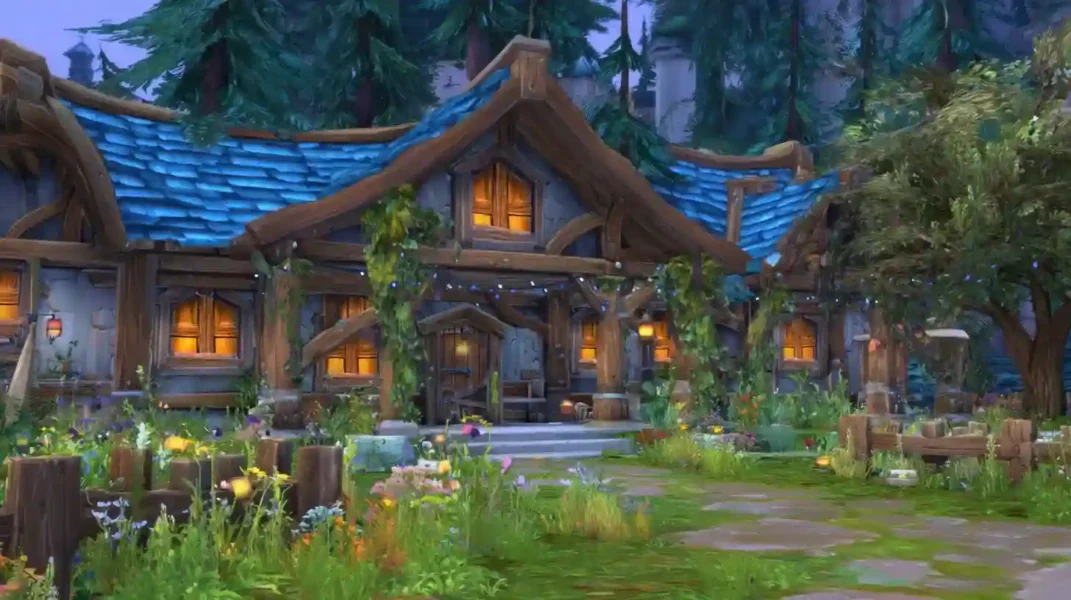
Beginner Decorating Guide: Your First Hour in WoW Housing
Facing a blank slate can be overwhelming. Here’s a simple way to get started:
- Start Small: Focus on a single room or concept, like a cozy bedroom.
- Browse Local Vendors: The vendors in your housing neighborhood sell a wide variety of basic decor pieces for gold, providing an excellent and accessible starting point.
- Stick to Basic Mode: Master the user-friendly Basic Mode first. Its tools are powerful enough to create amazing designs while you learn the ropes.
WoW Housing Neighborhoods: Zones, Biomes & Community Features
All player homes exist within large, persistent housing districts that serve as social hubs.


Neighborhood Overview: Zones and Biomes
Homes are located on dedicated islands: Founder’s Point (Alliance) and Razorwind Shores (Horde). These zones feature approximately 50 plots per instance, with both clustered and secluded options available.
- Founder’s Point (Alliance) Biomes: Includes confirmed areas like a central hub, Elwynn-style farmland, and gloomy, Forsaken-style woods.
- Razorwind Shores (Horde) Biomes: Features multiple diverse biomes, including areas with tropical lagoons, windswept bluffs reminiscent of Durotar, and Tauren-themed mesas.
Cross-Faction Housing: Visiting, Decorating Together & Social Features
- Cross-Faction Living & Visiting: A Horde character can own a house in the Alliance zone and vice-versa. You can visit any friend’s house, regardless of their faction.
- Real-Time Decorating: Owners can decorate their house in real-time while visitors are present. Visitors can watch as owners place furniture and change wallpapers.
- Player Interaction & Dueling: Dueling is possible on the exterior plot of a house, allowing players to design spaces for friendly contests.
Public vs Private Neighborhoods (Guild & Charter Housing)
| Feature | Public Neighborhood | Private (Guild/Charter) Neighborhood |
| Why Choose This? | For a dynamic, server-wide community where you can meet new people and discover unexpected creations. | For a curated, consistent community with friends or guildmates, perfect for roleplaying and shared goals. |
| Approx. Size | ~50 plots per instance (new instances spin up as needed). | Charter: 50 plots. Guild: Scales to max guild size via instances. |
| Membership Control | Open to anyone on the server. | Charter: Owner invites. Guild: Based on guild roster (automatic). |
| Eviction Rules | None. Your plot is permanent. | Charter: Owner can remove members. Guild: Kicked from guild = removed from neighborhood. |
Housing Endeavors: Monthly Neighborhood Events & Rewardstions
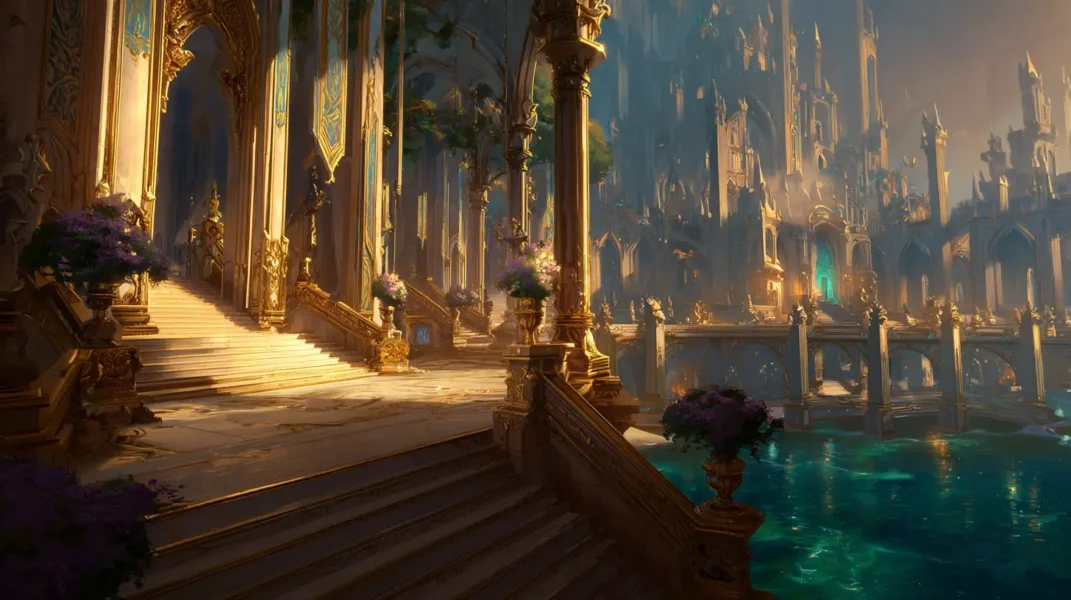
With the launch of Midnight, Endeavors will transform neighborhoods into living spaces. These are monthly, themed events where the community works together to earn unique and often seasonal decor that may not be available otherwise, making participation highly rewarding. A “Bronze Dragonflight Endeavor,” for example, could see the central hub fill with temporal anomalies, offering titan-forged braziers and other time-themed rewards.
WoW Housing Decorating Tools & Building Systems
This section covers the powerful tools you’ll use to bring your vision to life.
Exterior Decorating and Customization
You are given a massive plot of land, but the house itself has a fixed footprint. You cannot build new wings or freely expand the building’s foundation. Instead, creativity comes from:
- Placing Decor Objects: You have full freedom to place decor objects—like fences, trees, and gazebos—anywhere on your plot’s terrain to create a custom yard.
- Upgrading the House Model: As your Renown increases, you can swap your small exterior house model for a medium and eventually a large one.
Interior Decorating and Layout
The interior of your house is a “TARDIS”—its size and layout are completely independent of its external footprint.
- Floorplan Editor: You assemble your interior using a library of modular room pieces (such as small, medium, and large squares, long rectangles, and L-shaped rooms) and pre-built staircases.
- Custom Spaces: Grid-aligned partition walls let you divide larger rooms to create custom layouts, like hallways or secluded nooks, without rebuilding the entire floorplan.
Once your rooms are placed, the real customization begins through the decorating tools.
Decorating Tools (Basic vs. Advanced)
- Accessibility: An optional grid and the Basic Mode’s snapping features ensure objects can be aligned perfectly with ease, without requiring precise mouse control.
- Basic Mode: A user-friendly experience designed for easy and clean placement. Key features include object snapping to a grid, collision detection (preventing objects from overlapping), and automatic surface alignment.
- Advanced Mode: For ultimate creative freedom. This mode unlocks freeform movement on all three axes (X,Y,Z), full rotation, object scaling, and the ability to disable collision (“clipping”).
Advanced Decorating Tricks: Clipping, Scaling & Custom Builds

Once you’re comfortable, the Advanced Mode opens up incredible artistic potential:
- Build Custom Furniture: Combine and clip a scaled-up stone bench with several ornate chairs to construct a unique, grand throne that doesn’t exist as a single item.
- Create Architectural Illusions: Take simple wooden plank objects, resize them, and rotate them on all axes to build a custom spiral staircase or a loft.
- Simulate Nature: Push multiple bush and flower decorations into the walls of your house to create the illusion of thick, climbing ivy.
Import/Export Layouts
An import/export feature will allow you to save and share your complete house layouts. This system saves every detail—the precise placement, rotation, scale, and theme of all objects—allowing for perfect, one-click replication of a shared design.
How to Collect Housing Decorations (Drops, Professions, Vendors)
Decorations are sourced from nearly every activity in the game.
- One Item, One Placement: A key mechanic to remember is that each decoration is a discrete item: if you want to place four identical chairs, you’ll need to have four copies of that chair in your collection. It is not a “learn once, place infinite copies” system. Your collection tracks how many of each item you own, and the number you can place at once never exceeds the quantity in your collection.
- Retroactive Collection: When you first log in, the system will scan your account’s history and automatically add hundreds of earned decorations to your collection.
- Adding New Items: When you acquire a new decoration, you must right-click it in your inventory to add it to your housing collection UI.
- Professions: Professions from all eras of WoW are a major source of decorations, revitalizing old content.
Promo code: Dina_Blog
Use this discount as my thank you for your attention!
The Future of WoW Housing: Upcoming Features & Long-Term Plans
Blizzard’s guiding philosophy is one of broad accessibility and continuous expansion. Developers have explicitly called the initial release a robust “first draft.” They have a dedicated team working solely on housing, with plans to add more decor, architectural styles, and features in every patch. The system is a new, long-term pillar of World of Warcraft, designed to grow and evolve alongside the players for years to come.
Author

Epiccarry: best wow boost and coaching services
Frequently Asked Questions
What is Player Housing in World of Warcraft?
Player Housing is a new, fully customizable system coming to WoW with Patch 11.2.7 and expanding in the Midnight expansion. It allows players to purchase a plot of land, build a house, customize interiors and exteriors, and participate in neighborhood communities. Housing includes a powerful decorating engine, modular floorplans, progression systems, and monthly community events.
How do you unlock Player Housing in WoW?
To unlock housing, you must own any edition of the Midnight expansion. After logging in during Patch 11.2.7, you’ll receive a quest directing you to a portal in Stormwind or Orgrimmar. A 10–15 minute guided tour introduces core mechanics, after which you can reserve and purchase your first plot. From that point, you can immediately enter your home and begin building.
When does WoW Player Housing release?
Housing arrives in two phases:
-
Phase 1 (Patch 11.2.7 Early Access): Building, decorating, collecting.
-
Phase 2 (Midnight Expansion Launch): Social systems, Neighborhood Favor, Endeavors.
This phased release ensures a polished building experience first, followed by deeper community interaction.
Do I need the Midnight expansion to use Player Housing?
Yes, you must own the Midnight expansion to enter housing zones, purchase plots, and build homes. However, all players—expansion owners or not—can collect housing decorations through gameplay, achievements, professions, and vendors.
How many houses can you own in WoW?
Each account (Warband-wide) can own two houses:
-
One in the Alliance housing zone
-
One in the Horde housing zone
This helps players enjoy both environments without creating multiple characters.
Are housing decorations shared across characters?
Yes. Decorations are fully Warband-wide. Once added to your collection, any character on your account can place that item in your homes. This prevents grinding duplicates on multiple alts and encourages decorating with any character.
How do decor budgets work in WoW’s housing system?
Each home has a Decor Point Budget for interiors and a separate Exterior Budget for your yard. Every placed item has a point value, and you cannot exceed your current limit. Your budget increases when you gain Housing Renown, and Neighborhood Favor bonuses can raise limits for everyone in the community.
What is Housing Renown and how do you increase it?
Housing Renown is your personal progression track. You increase it by collecting decorations. Higher renown unlocks:
- More rooms for your floorplan
- Higher decor budgets
- New exterior house models (small → medium → large)
- Additional tools and themes
Renown grows account-wide, rewarding long-term collectors.
What is Neighborhood Favor in WoW housing?
Neighborhood Favor is a community-wide progression system. Everyone who owns plots in a neighborhood contributes to shared goals, unlocking global perks such as increased item limits, unique vendors, enhanced hubs, and new community decorations. You gain Favor through monthly Endeavors and shared activities.
What are Neighborhood Endeavors in WoW?
Endeavors are monthly, themed community events that activate with the Midnight expansion. They transform neighborhoods with environmental changes and special tasks that reward exclusive decor. Examples include Dragonflight-themed events, seasonal celebrations, or time-warped events by the Bronze Dragonflight.
What is the TARDIS effect in WoW housing?
The TARDIS effect is Blizzard’s term for how interiors are instanced and separate from exterior size. A small shack could hide a multi-story mansion inside. This allows housing to remain flexible and fair—everyone gets the same exterior plot size, but creativity determines how grand or compact your interior feels.
Can you build multiple floors or custom room layouts?
Yes. Interiors are modular and fully customizable. You use:
-
Room modules (squares, rectangles, L-shapes)
-
Pre-built staircases
-
Partition walls for custom spaces
Because interiors are larger than the outside shell, you can design multi-floor layouts, sprawling mansions, or compact homes.
Can you visit or decorate other players’ houses?
Yes. Players can freely visit any house they have permission to enter. In private neighborhoods and guild neighborhoods, owners can grant others decorating rights, allowing collaborative building. Visitors can watch real-time decorating changes, creating a live creative experience.
What’s the difference between Basic and Advanced decorating modes?
Basic Mode is for clean, easy placement using:
- Grid snapping
- Collision detection
- Surface alignment
Advanced Mode unlocks:
- Free placement on X/Y/Z axes
- Full rotation
- Object scaling
- Collision disabling (clipping)
Advanced mode is for players who want full-creative freedom to build custom furniture, fake architectural pieces, or environmental illusions.
How do you collect housing decorations in WoW?
Decorations come from nearly every form of content:
- Professions (all eras)
- Vendors
- Quest rewards
- Achievements
- Dungeons and raids
- Reputation
- Renown tracks
- Monthly Endeavors
When you obtain a decoration, you must right-click to add it to your account-wide collection.
What happens if you release your plot?
If you release a plot:
- Your entire housing layout is saved automatically
- You can apply the saved layout to a new plot later
- You keep all decorations
You only pay the new plot’s gold cost. This makes moving neighborhoods stress-free.
Can you place unlimited copies of decorations?
No. WoW uses a one-item, one-placement system. If you want to place four identical lamps, you must own four copies of that lamp in your collection. This adds value to collecting and prevents appearance spam.
Are neighborhoods cross-faction?
Yes. WoW Player Housing is fully cross-faction. A Horde character can buy a house in the Alliance zone and vice versa. You can also visit friends’ homes regardless of faction, encouraging social play and roleplay.
What’s the difference between public and private neighborhoods?
Public neighborhoods
- Fully open to anyone
- ~50 plots per instance
- Mixed communities
Private neighborhoods (Guild/Charter)
- Invite-only or guild-linked
- Perfect for RP groups, guilds, or organized communities
- Charter neighborhoods have 50 plots; guild neighborhoods scale to roster size
Each offers a different social experience.
Can you import or export house layouts?
Yes. The housing system allows full import/export of layouts, including:
- All décor positions
- Rotations
- Scaling
- Themes
- Floorplans
You can save builds, share them, or instantly reapply them to a new plot.
Will Player Housing expand over time?
Yes. Blizzard has confirmed that Player Housing is a long-term, evergreen system. A dedicated development strike team is committed to adding:
- New décor
- New architectural styles
- More biomes
- More neighborhood types
- Additional tools
- Seasonal updates
Housing will continue growing through every post-launch patch of Midnight and beyond.
Comments