The best WoW Hardcore Classic Anniversary addons are Questie for quest objectives, WeakAuras for alerts and Deathlog for tracking where runs end. If you install only one, make it Questie — the other recommendations assume you already have it. WeakAuras takes first place in one ranked Hardcore top ten.
Page updates
October 25, 2026
- What changes on Hardcore realms: All dungeons below level 60 have a 24-hour lockout timer, and level 60 players cannot enter lower-level dungeons with players below 60.
- Atlas and AtlasLoot — maps and loot tables: Atlas and AtlasLoot provide map information and in-game dungeon and raid loot tables.
What changes on Hardcore realms
Death is permanent: you cannot run back to your corpse, and no spell or ability can resurrect you. Shaman Reincarnation and Warlock Soulstone do nothing for a dead Hardcore character. Paladins cannot use their Hearthstone while under Blessing of Protection, Divine Protection or Divine Shield.
All dungeons below level 60 have a 24-hour lockout timer, and level 60 players cannot enter lower-level dungeons with players below 60. Nova Instance Tracker tracks instance lockouts and activity.
Where to download WoW Hardcore addons
Most of the best WoW Hardcore Classic Anniversary addons sit on CurseForge, the most popular addon repository. Some authors only post on their own GitHub pages or behind Patreon. Questie is also offered as a direct download or a GitHub release.

Classic Era, Season of Discovery, Hardcore and Anniversary realms run the same addon ecosystem, but Hardcore adds a category of its own.
How to install WoW Hardcore addons
Unzip each addon so the folder holding its.toc file sits directly inside Interface/AddOns — a folder inside a folder is the usual mistake.
For a manual Classic install, the path is C:\World of Warcraft\_classic_era_\Interface\AddOns; the Interface folder may not exist until you open the client.
Restart the client fully afterwards, because new addons are only picked up at launch.
Deathlog — Hardcore death tracking
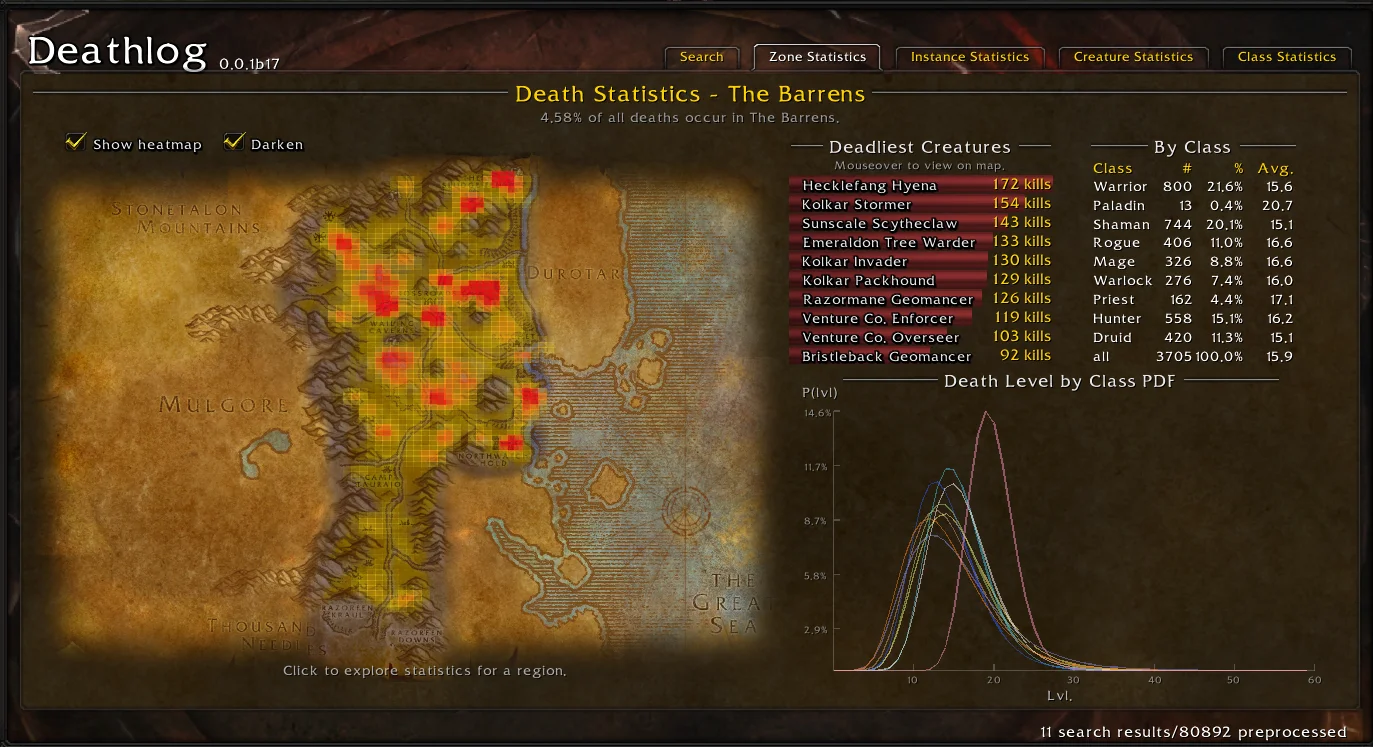
Deathlog tracks deaths with coordinates and statistics, and marks those points on the world map. It is the standout pick for keeping a record of where Hardcore runs end.
Buy Cheap WoW Classic era Gold
WoW Gold: Your Key to Greatness!
Knowing which areas have killed other players beats knowing only that you can die anywhere.

Questie — quest objectives on the map
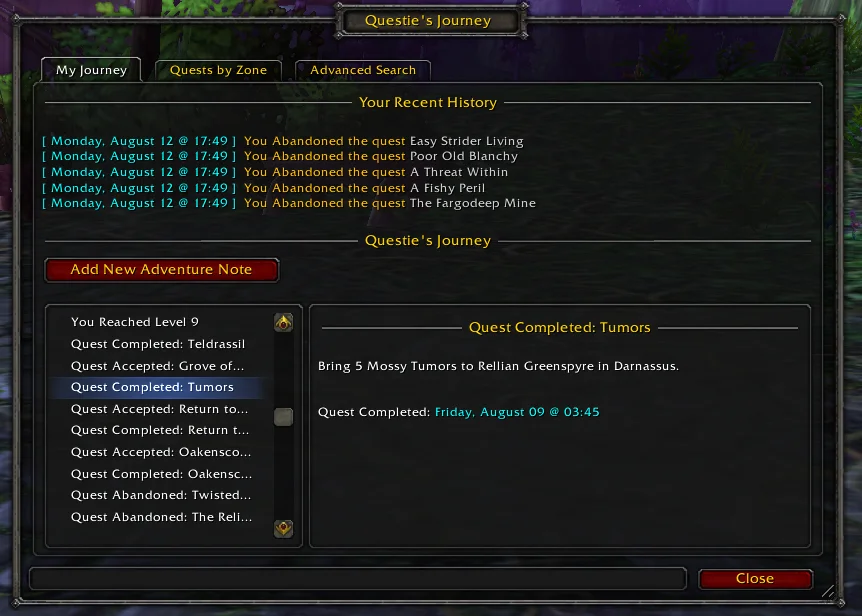
Questie shows quest start points, turn-in points and objectives on the map and minimap. It tracks accepted quests automatically and records your route in a journey log. Questie is the addon other recommendations assume you already have.
Bagnon — bag management
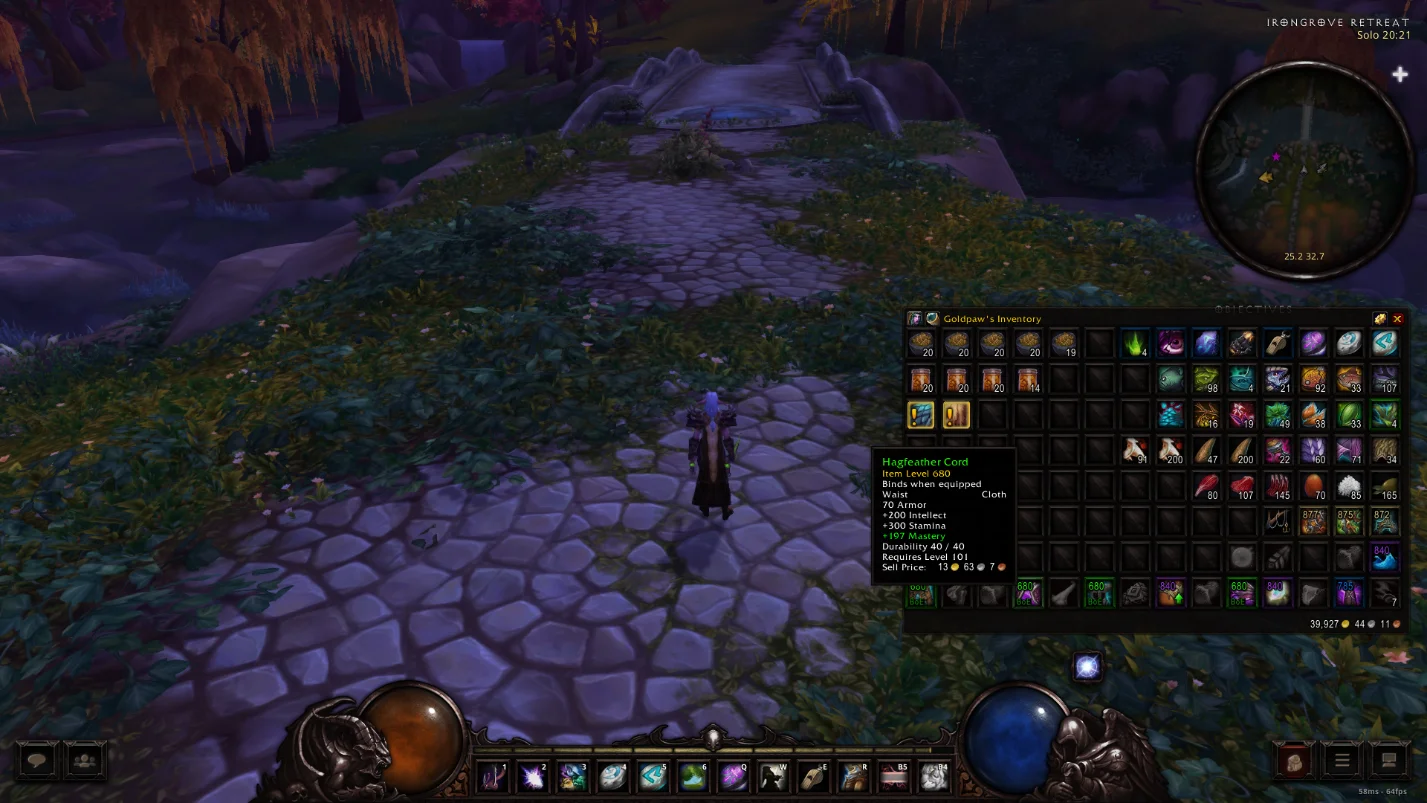
Bagnon is the bag pick for merging every bag into one searchable window and sorting the result. It is an improvement rather than a necessity, but it keeps gear and consumables easy to find.
Quartz — cast bars and swing timer
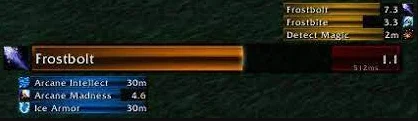
Quartz gives you cast bars and a swing timer. Enemy cast bars matter for kicking in dungeons and PvP, and the swing timer matters most for Warriors and Rogues.
WoW Classic Anniversary Professions Kits Boost
Enough resources to upgrade your profession to the maximum level!
What's Training? — trainer spells
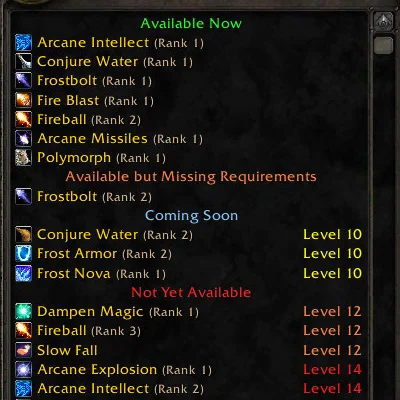
What's Training? adds available trainer spells to your spellbook and moves spells you already know to the bottom. Tooltips show the training cost, and category headers show the total cost for that section.
It also handles weapon skill trainers, and /wt opens a Classic-style window.
WeakAuras — alerts and rotation tracking
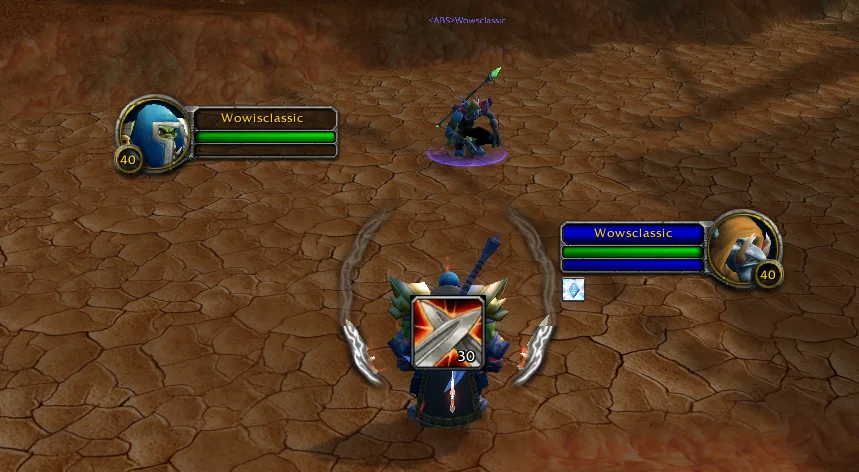
WeakAuras lets you build or import auras that track cooldowns, boss mechanics and rotation details. It is ranked first in one Hardcore top ten because those alerts can be the difference between a close call and a death. Most players import a string rather than build auras from scratch.
Atlas and AtlasLoot — maps and loot tables
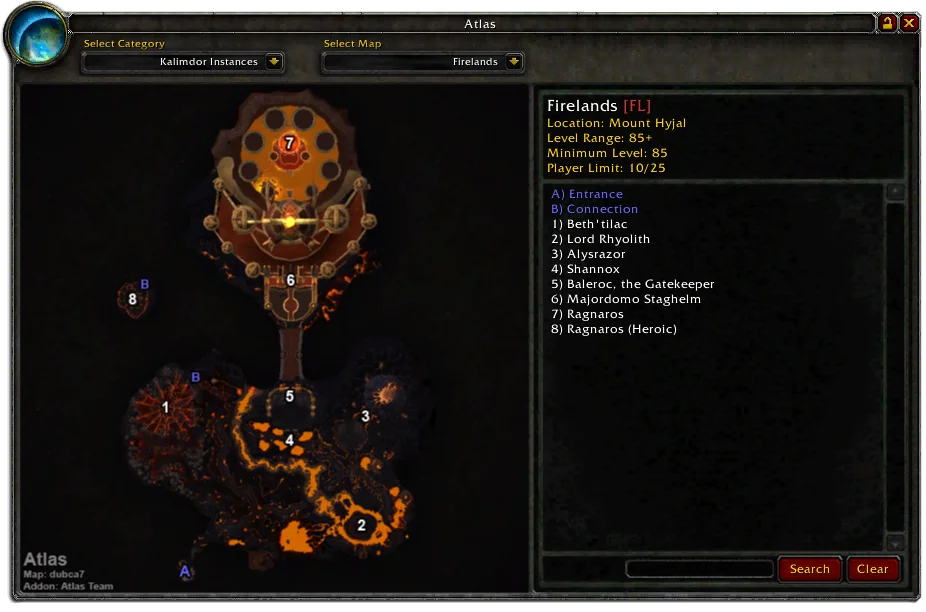
Atlas and AtlasLoot provide map information and in-game dungeon and raid loot tables. They let you plan a route and check what drops before you commit to a run.
HCT and ClassicBestiary — Hardcore-only checks
HCT
HCT keeps track of levels, deaths, and the official rules of the Hardcore challenge. On Hardcore realms it validates the run and enforces the ruleset.
ClassicBestiary
ClassicBestiary adds mob abilities, damage types and dangers to creature tooltips. Holding Control shows a creature's spells so you can plan the pull.
XtoLevel — leveling tracker
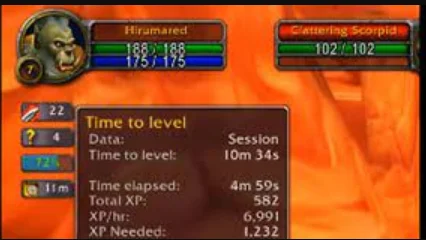
XtoLevel tracks XP gains and shows how far you are from the next level. It is a leveling convenience rather than a Hardcore rules or survival tool.
WoW Classic Anniversary Leveling Boost
Let professionals expedite your power leveling

Character Stats Classic — detailed stats
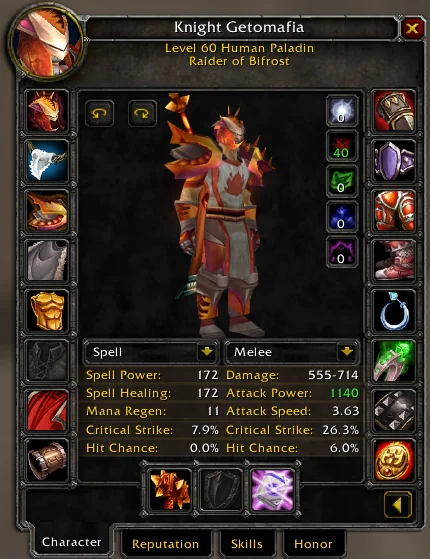
Character Stats Classic shows detailed character stats the default panel hides, such as miss chance and in-combat regeneration. Use it to compare gear before you equip it.
ClassicAuraDurations — debuff timers
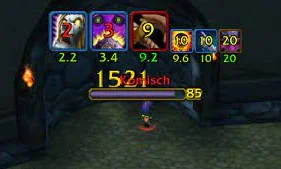
ClassicAuraDurations adds a duration clock to your debuffs. It works well with OmniCC for cooldown and duration tracking.
Faster Looting — faster looting
Faster Looting does one job: it speeds up looting.
OmniCC and BigDebuff — cooldowns and debuffs
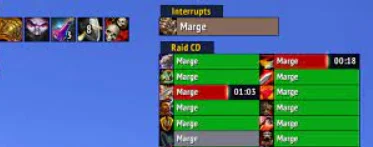
OmniCC puts cooldown timers on your abilities so you know when they are ready. BigDebuff makes debuffs and crowd control easier to see.
Addons versus your own play
Addons track deaths, watch chat and help with the auction house, but how you use your abilities matters more. If you are not confident in your play, read a guide before you commit a character.

Frequently Asked Questions
Are WoW Hardcore addons allowed?
Yes. Addons are completely allowed in WoW Classic Hardcore, and using them cannot get you banned.
Can I use these addons on other Classic versions?
Check the addon's target build. Classic Era, Season of Discovery, Hardcore and Anniversary builds can differ, so an addon manager set to latest may pick by version number instead of the game you play.
Do I need every addon on this list?
No. Install the essentials on a fresh character and add the rest as gaps show up.