Updated November 2, 2026 for Creation Of That Type Of Character Is Currently Throttled WoW.
For the “creation of that type of character is currently throttled” error in WoW, try restarting the client or pausing for a few minutes before another attempt. For WoW Forever character creation, switching away from your chosen ruleset and returning is another troubleshooting option to try. Treat these as attempts, not a promise that your next character will go through.
Character creation fixes to try
Work through the options separately so you can assess each attempt.
- Switch to a different ruleset, switch back to the one you want, and retry character creation in Forever.
- Close and reopen the game client, then try creating your character again.
- Leave a gap of a few minutes before trying again.
Avoid rapid repeated submissions: they can trigger a temporary creation block through a false flag. When troubleshooting “creation of that type of character is currently throttled” in WoW, give each retry some breathing room.
How long does the throttle last?
In an October 27 player report, the error had persisted through roughly 90 minutes of waiting. Use that experience to set expectations, not as a countdown for your own account.
What to do when your Forever faction is locked
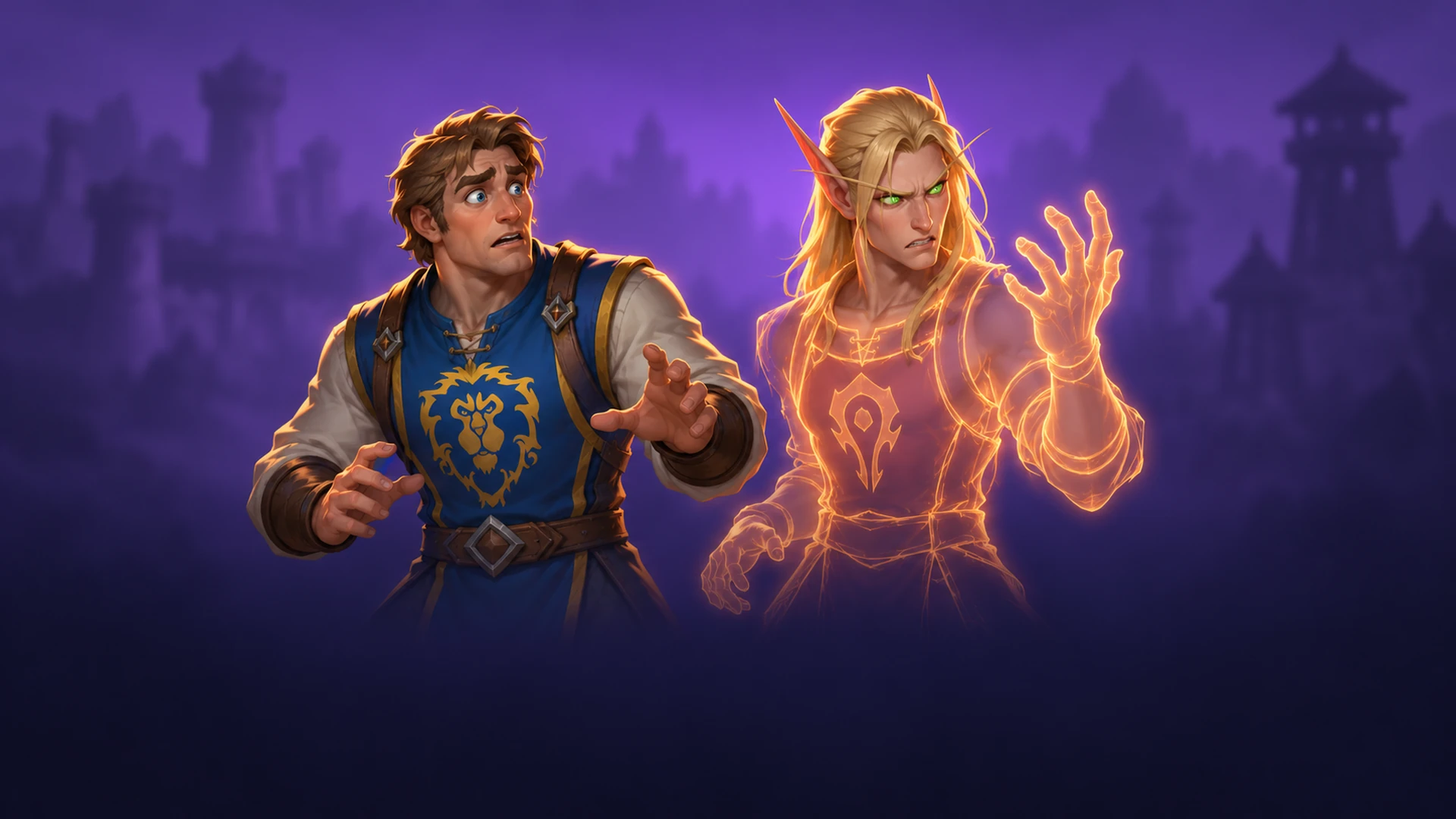
PvP faction creation restrictions aim to keep the population split evenly between Horde and Alliance.
For the PvP faction-lock situation, return to the character-selection screen, open creation again, and retry without rapidly submitting attempts. Access to the faction you want can change as other players create characters, and the wait can range from a few minutes to longer depending on the time of day.
On October 28, a player described Horde creation being blocked on RP-PvP, reserving a name with an Alliance character, then finding Horde available about 20 minutes later. That player deleted the temporary character before creating the Horde replacement. Consider whether keeping the reservation matters more to you than attempting the replacement.
WoW Forever beta name reservation and license errors
A different problem, WOW51900337, displays a message requiring a valid account license when you try to access the realm for name reservation. One affected player could access the beta and play Midnight but still encountered this reservation error.
Check the selected WoW account
Inspect the account selector in the Battle.net app and try the account associated with your purchase; multiple accounts can appear under labels such as WoW1, WoW2 or WoW3. The player who started the discussion eventually located the purchase on WoW3 (US), among the starter accounts attached to the same main account.
Check the account region
Check the regional account selection as well as its number; entries can include WoW1 US and WoW1 EU. For Forever, trying the available regions and seeing which reaches character creation is a suggested way to locate the purchase's region.
Update your support ticket
If those checks reveal a purchase on the wrong account or region, add that finding to your existing support ticket. If none of your accounts provides access, contacting Blizzard is the next suggested step. Keep the error code, selected account and purchase details together when explaining the problem.
See also: WoW Midnight Haranir Guide