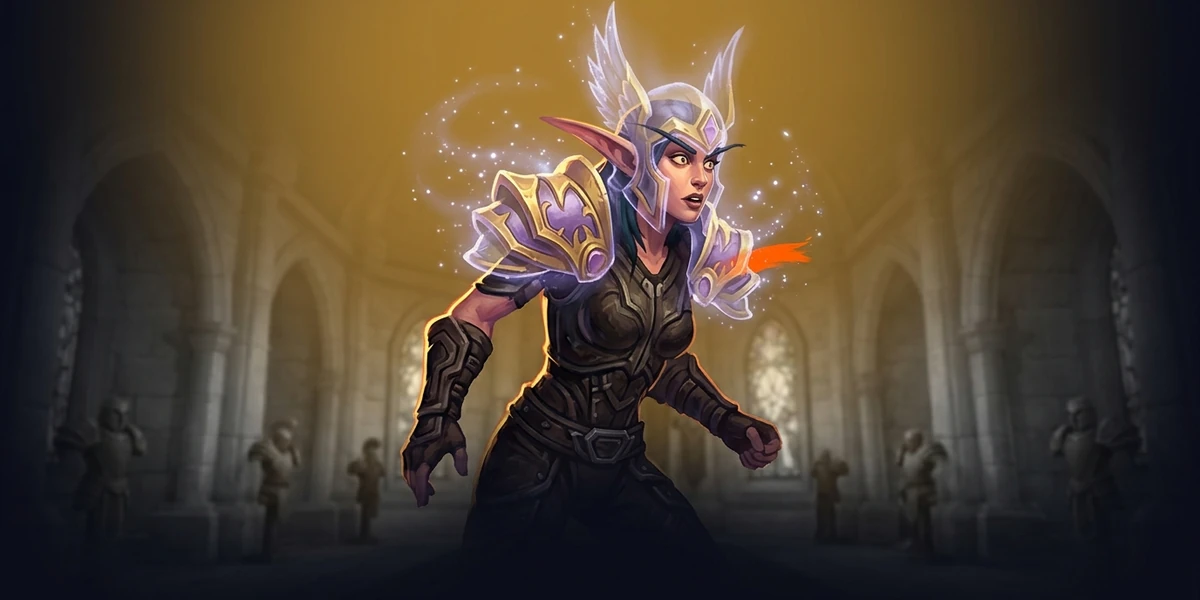
The WoW Forever dressing room is a model viewer: pick a race and body type, load a whole set or a single piece, and see how it sits on that character before you farm it. Sets previews complete outfits in your race's appearance, Pieces swaps one slot at a time and names where that piece comes from, and Outfits keeps a finished look on your account once you are signed in.
How to open the dressing room
Two routes reach the same viewer. Open the Tools menu and choose Dressing Room, or press "Try it on" on an item or set page and the dressing room loads with that gear already on the model.
A look you started from an item page can be finished in Sets or Pieces, because both routes land in the same tool.
Race, body type and character options
Set the race and body type first: armor can be shown on any race, male or female, Skyborne included. The panel exposes race, class, gender and body type, plus weapon display, the unsheathed state and an animation.
Skin colour, face, hair style and colour, and eye colour each have their own controls, with HD Models and NPC options alongside them. Double-click the model to view it fullscreen, and use Choose Mount to place a mount under the character.
Sets view
Sets lays out every set in the appearance it has for your race, covering the Hyjal Summit and Naxxramas raids along with dungeon, PvP, quest and crafted sets. Hover over a set to preview it on your character, then click to save it.
If you want more out of your character than collecting appearances, the available WoW Forever boost services cover the progression side.
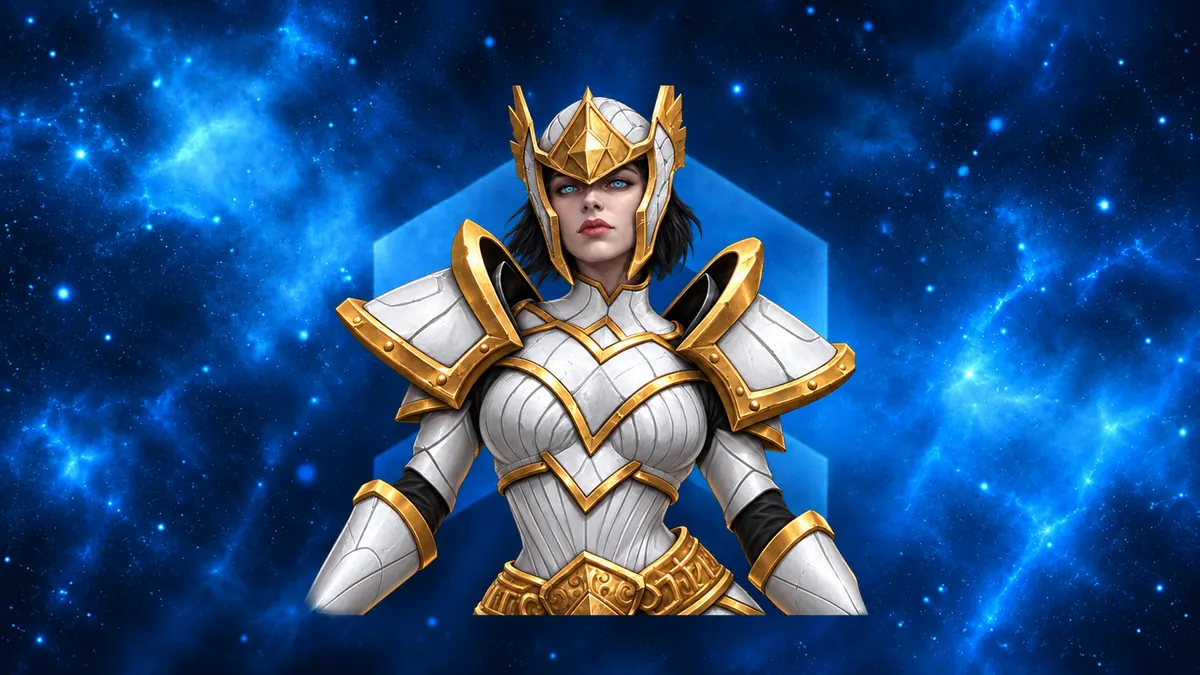
Tier sets in the dressing room
A raid set exists for each class, while multi-role classes receive one set per role, making 18 sets overall, each containing six pieces. Where a class has role sets, the pieces share one appearance, so one preview shows you all of them.
Item level 65 is the raid tier level, and crafted item level 61 versions of the shoulders, gloves, legs and boots count toward those same set bonuses. For the SD character option, each set also includes a Standard-Definition version made with lower-poly models, alongside four HD colour variants.
Pieces view
You change one slot at a time in Pieces, and the tooltip for each slot shows where that piece originates. Click a slot icon to put gear on the model.
The equipped list repeats it as a table with the slot, the armor type and the source, down to the zone a drop comes from. Once a look is settled, WoW Forever gearing services can help you obtain the equipment behind it.
Saving and sharing a look
Save a look to Outfits, which stores it on your account while you are signed in, and share it either as a link or as a picture. The window's own controls cover Screenshot, Save, Reset, Links, Hide UI, Pause, a Random roll, and Undo and Redo.
Opening the dressing room from an item
An item or set page's "Try it on" button brings you into the dressing room with that gear already on the model. That is the short route when you only want to check one drop that was linked to you.

Logging in and your own characters
Your own characters need a login: the panel asks you to log in or create an account before it lists them. The Wowhead Client is what pulls your own characters into the tool.
We'd pick the set first and the slots second: Sets shows a whole outfit on your race in one pass, while Pieces is for filling the one slot a set leaves open, with the drop source right on the tooltip.
What players report
In threads on the official WoW: Forever forums, players report these findings and views about transmog and previewing looks.
- 7 players hold that hiding all gear for a naked look is a legitimate feature and part of the fun, and that players who dislike it should turn transmog off.
- 4 players report the show helm and cloak toggles were removed from interface options, though the transmog NPC can still hide them; one wrote: "Please re add the Show helm / Cloak toggle back in the interface options for those of us who opt out of transmog."
- 3 players report transmog can only be toggled all-or-nothing, with no way to see only your own look while others' stay off.
- 2 players report hiding helm and cloak at the transmog NPC works without turning transmog on, and only needs doing once.
- 2 players report a look breaks when a newly equipped item is too low level or quality to qualify for the appearance.

Frequently Asked Questions
Can I preview armor on a race I do not play?
Yes. Any race, male or female, can wear the armor in the dressing room, the Skyborne included.
Does the Dressing Room show where a piece drops?
In Pieces view, every slot's tooltip indicates where its piece comes from, and the equipped table lists a source per item, down to a zone drop.
Do I need an account to use it?
You have to log in or create an account to see and use your own characters in the tool, and saved Outfits stay on your account while you are signed in.